


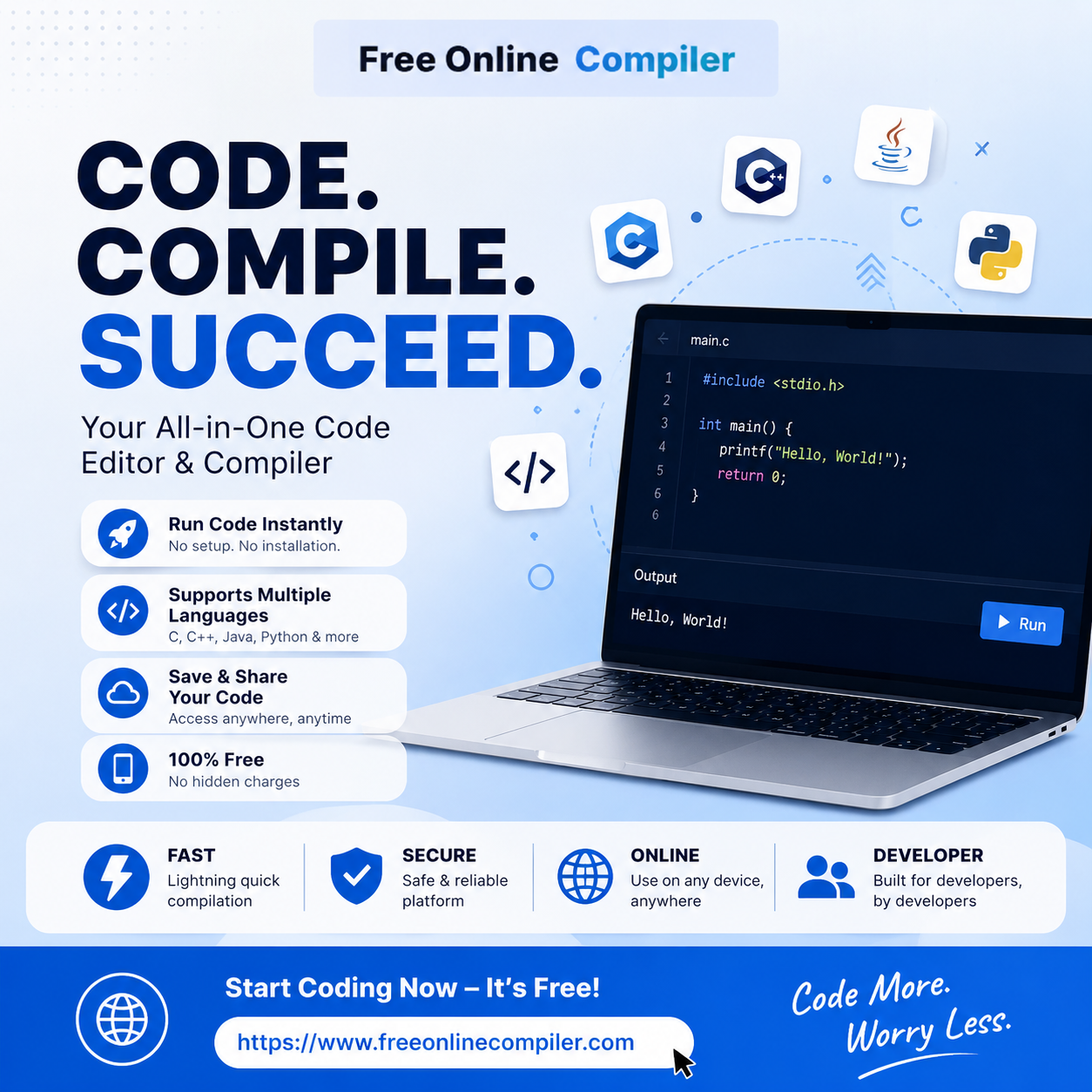
A closer look at Free Online Compiler and why lightweight, no-install sandboxes have become a staple of everyday development
Every developer knows the feeling: you want to test one small idea — a regex, a loop, a syntax quirk in a language you don’t touch often — and the last thing you want is to spin up a project, install a toolchain, or wait for a Docker container to build. That gap between “I have a question” and “I have an answer” is exactly where browser-based compilers have carved out a permanent place in the modern developer’s toolkit.
One tool built specifically around that gap is Free Online Compiler, a web-based platform that lets anyone write and run code directly in the browser across more than 40 languages and frameworks, without registration, downloads, or configuration.
Rather than trying to be a full IDE replacement, the site is organized around a simple idea: keep the experience narrow and fast, so a snippet can go from idea to output in seconds. Its offering is split into a few clear categories:
The value of a sandboxed compiler isn’t raw computing power — it’s friction removal. Three everyday developer workflows benefit the most:
Free Online Compiler leans into this philosophy directly. The site’s own guidance to users is refreshingly honest about scope: it positions itself for small, visible problems — syntax checks, short experiments, and runnable snippets — rather than benchmarking, production workloads, or anything involving secrets or private data. Each run is stateless: no shared files, packages, or persisted sessions between sessions, which keeps the sandbox predictable and safe to use for a quick test.
The pattern is consistent across the site: paste or write code in the editor, supply STDIN or arguments if the page supports them, and press Run. For most programming languages, the source is sent to the Piston API, a well-known open-source code execution engine used across many online compilers; for frontend frameworks, the code runs directly inside a sandboxed preview iframe already loaded on the page. Output — or the first error — appears immediately below.
That immediacy is the whole point. As the platform itself puts it, the fastest debugging session is usually the one with the fewest moving parts: change one thing, run it, and see whether the output changed for the reason you expected.
Tools like this aren’t meant to replace a local development environment, and to its credit, the platform doesn’t pretend otherwise. It’s positioned as a companion for the moments before a full project is warranted — comparing syntax across languages, validating an assumption, or handing someone a runnable example instead of a wall of text. For students learning a new language, technical writers verifying code samples, or engineers doing a quick cross-language comparison, that lightweight positioning is exactly the point.
You can try the platform yourself at freeonlinecompiler.com, where every language and framework listed above is available to run directly in the browser.
Browser-based compilers occupy a small but genuinely useful niche in software development: fast, disposable environments for fast, disposable questions. Free Online Compiler’s broad language coverage — spanning frontend frameworks, general-purpose languages, database engines, and backend simulators — combined with its clear-eyed messaging about what the tool is and isn’t for, makes it a solid option whenever the task at hand is simply: write a little code, run it, and see what happens.